SupplyHub
Self-hosted · One-time licence
Every asset. One screen.
Know what you own, who has it and what's on it — on your own server.
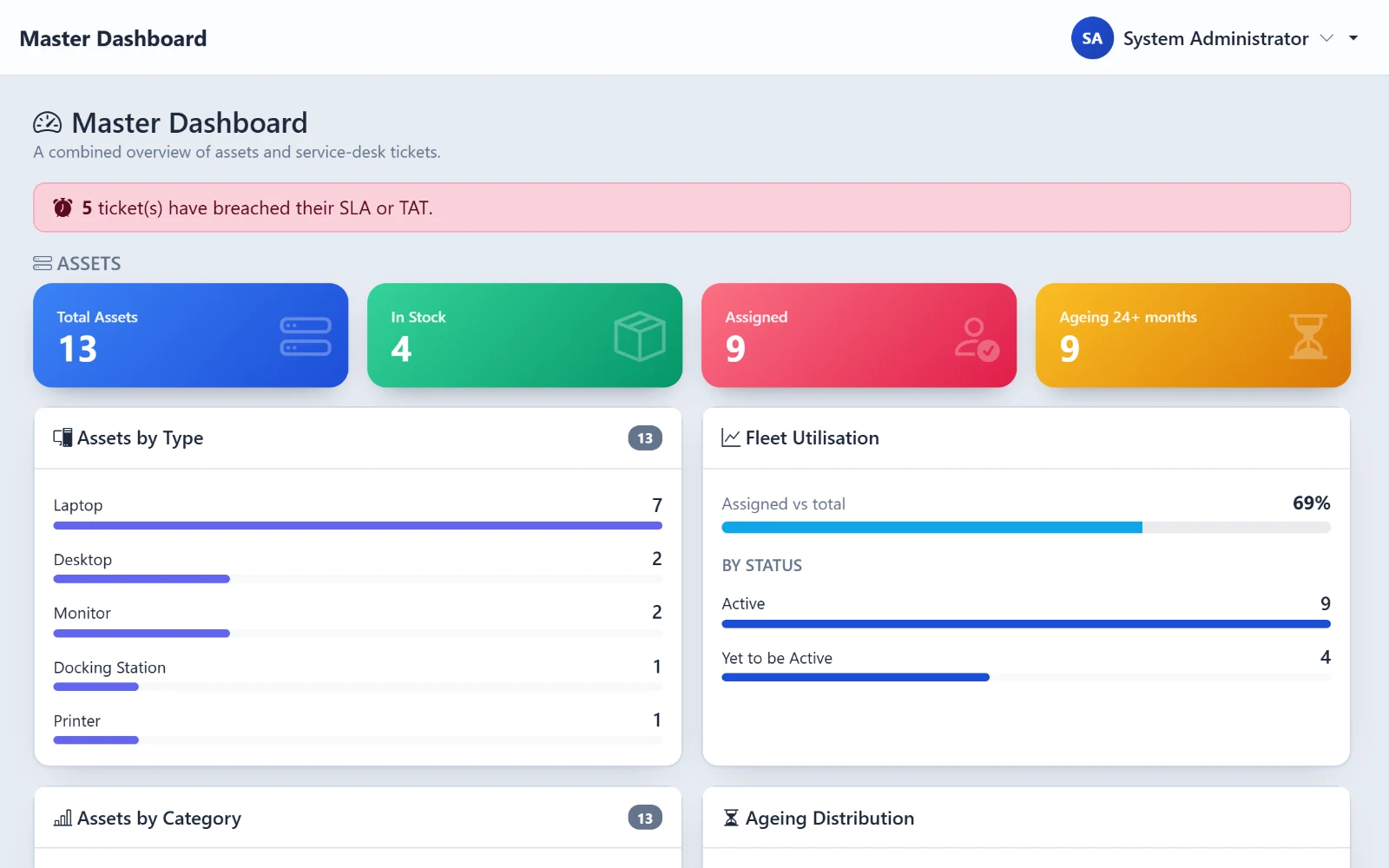
Your data stays with you
The problem
Four tools that never agree.
Asset spreadsheet
Separate helpdesk
Patch report nobody reads
Exit checklist in Word
OpsPane
One database.
A ticket knows which laptop. An exit knows what they hold.
The modules
Six modules. Pick one.
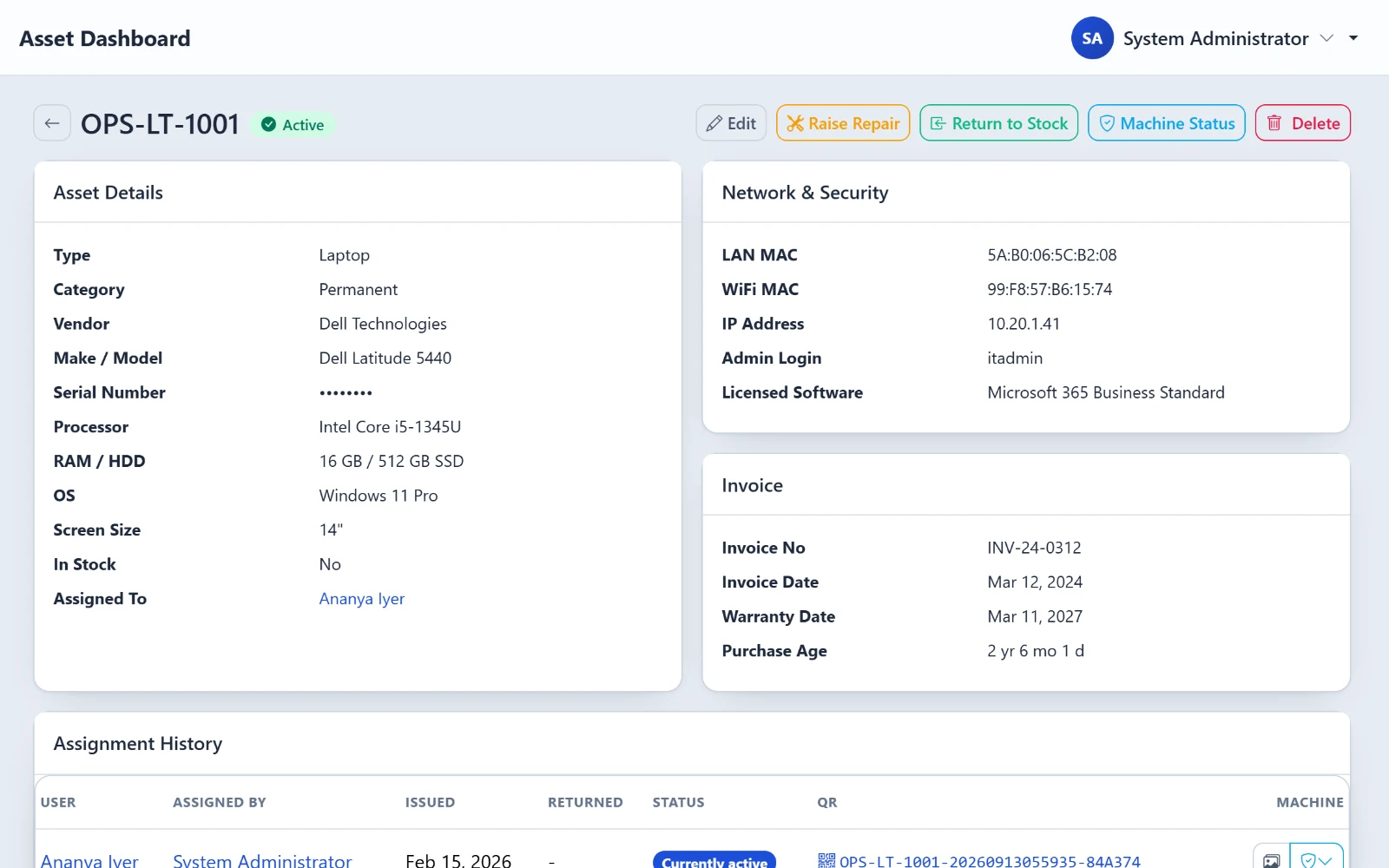
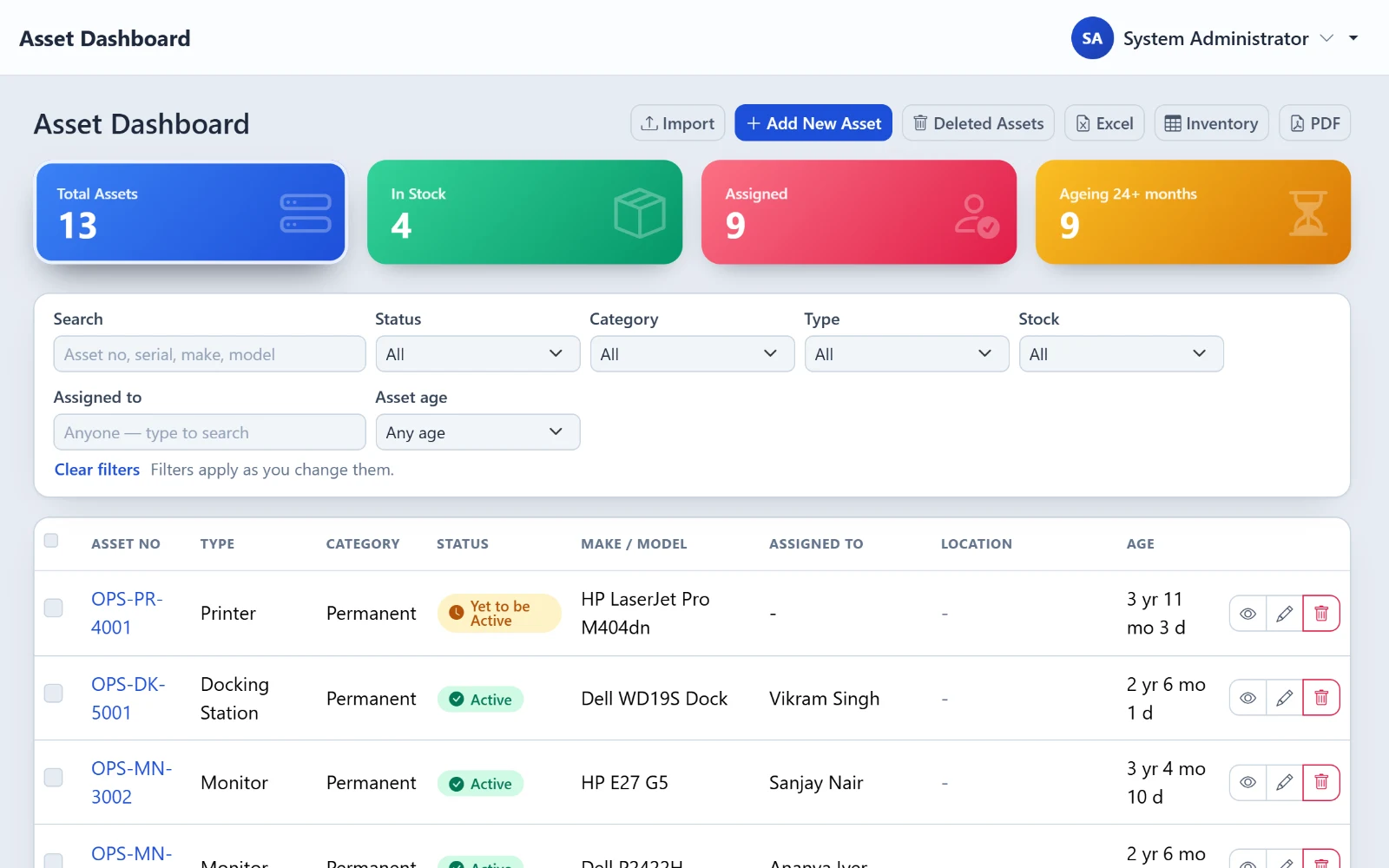
Asset register
- Full specs, invoice and warranty
- Age worked out from the invoice
- Safe Excel import
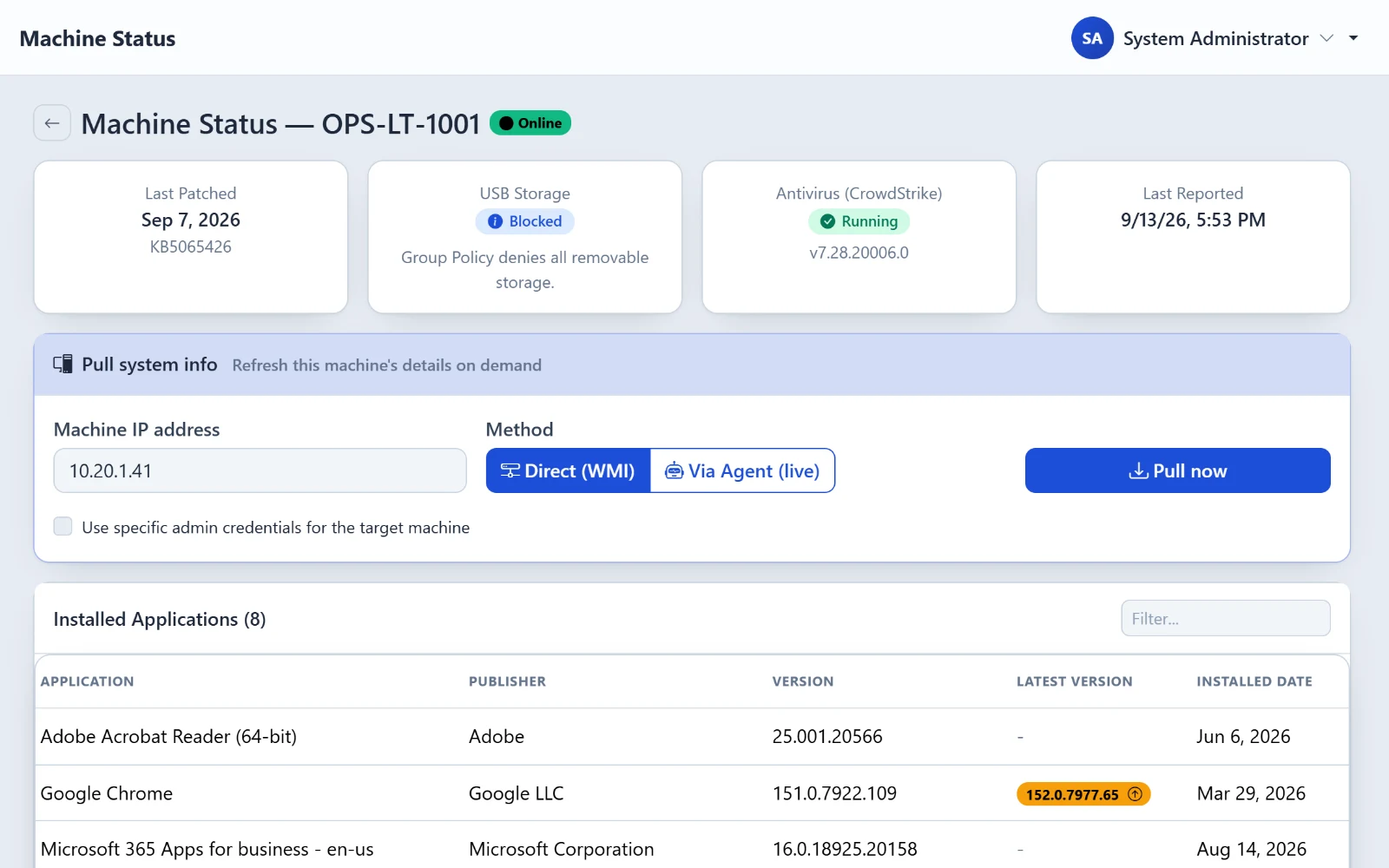
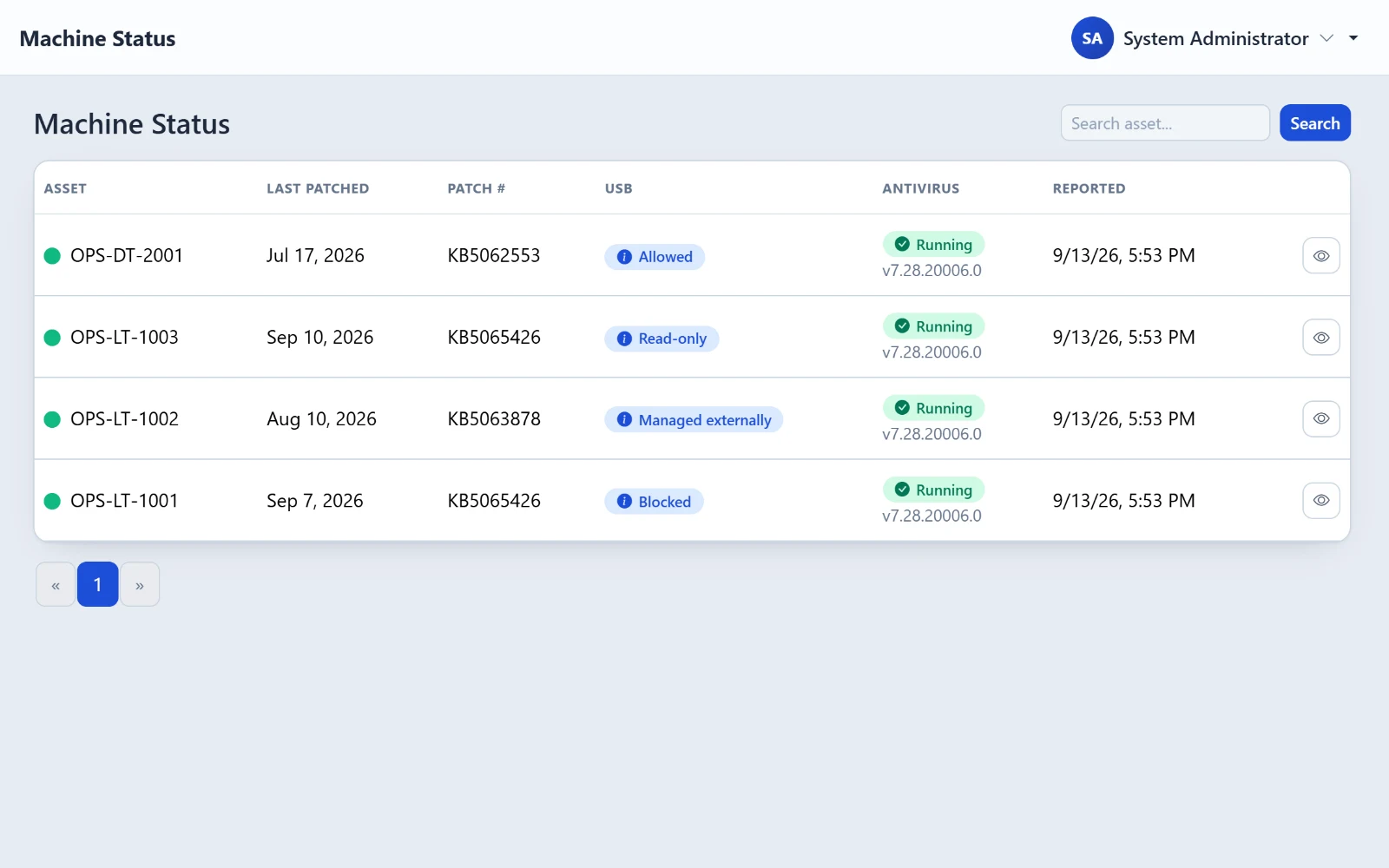
Endpoint monitoring
- Windows agent reports every few hours
- Apps, browser extensions, patches
- USB storage status
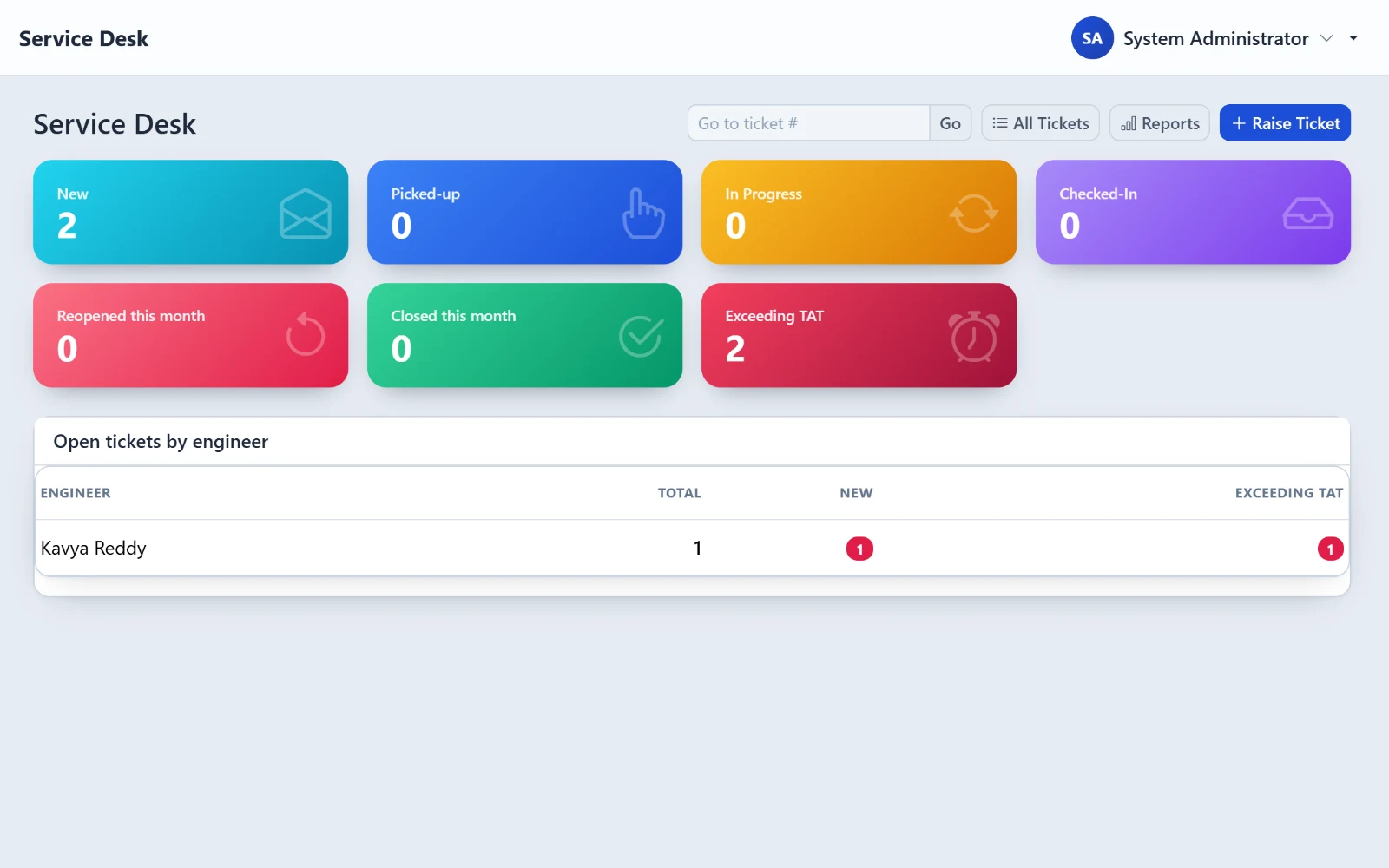
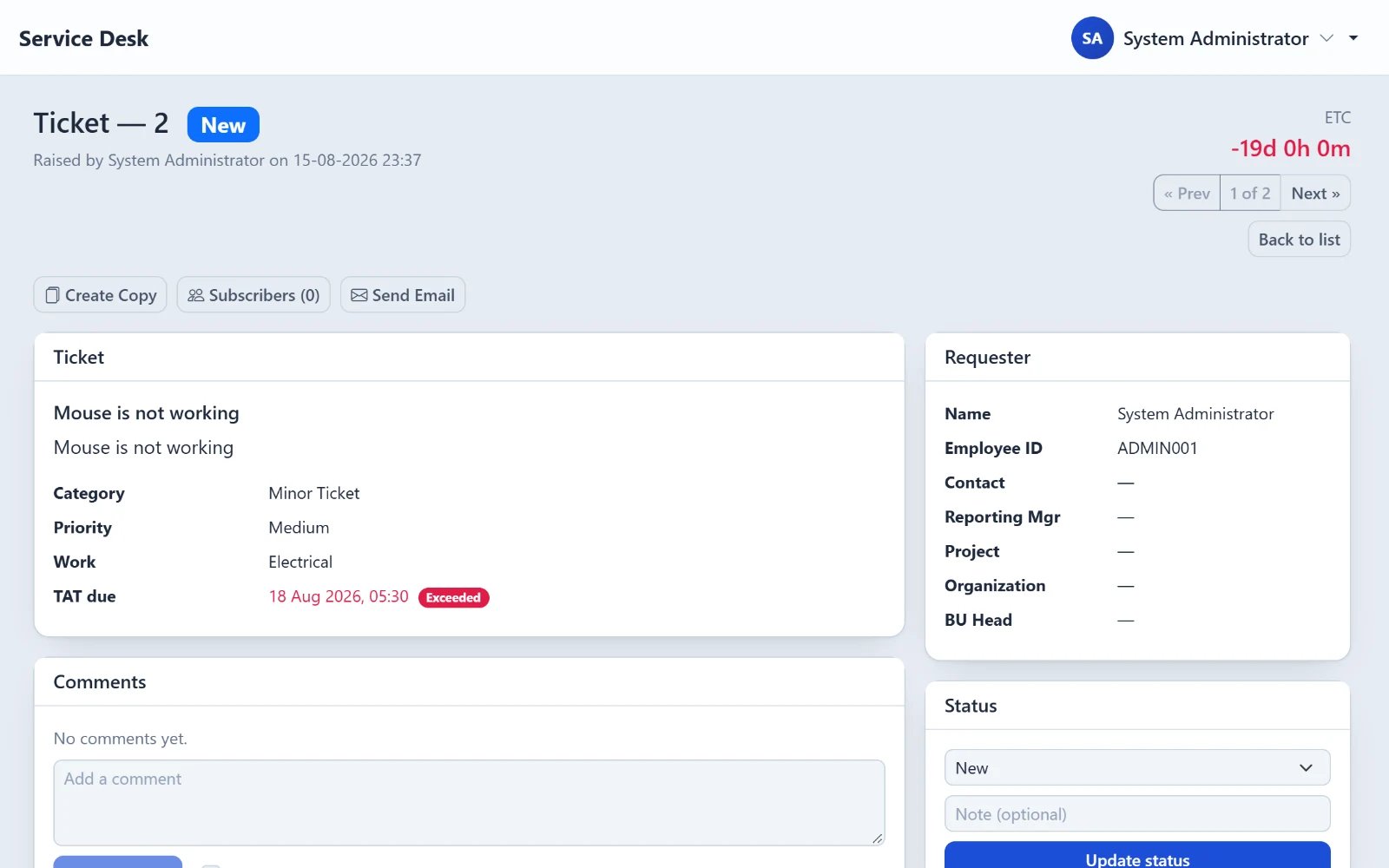
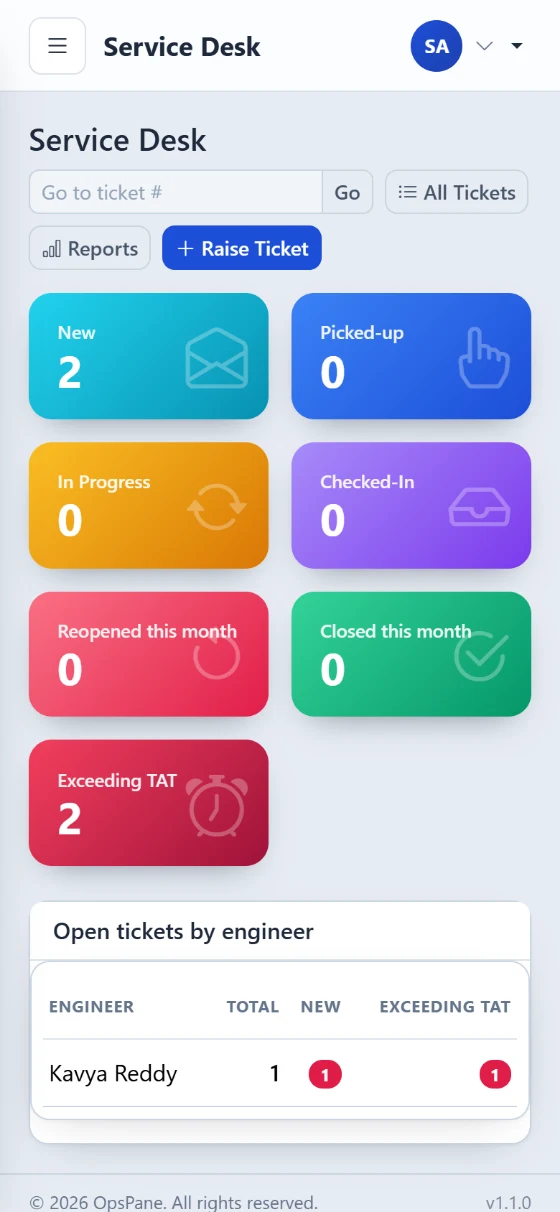
Service desk
- Linked to the employee and the laptop
- Working-hours response clock
- Alerts before a deadline is missed
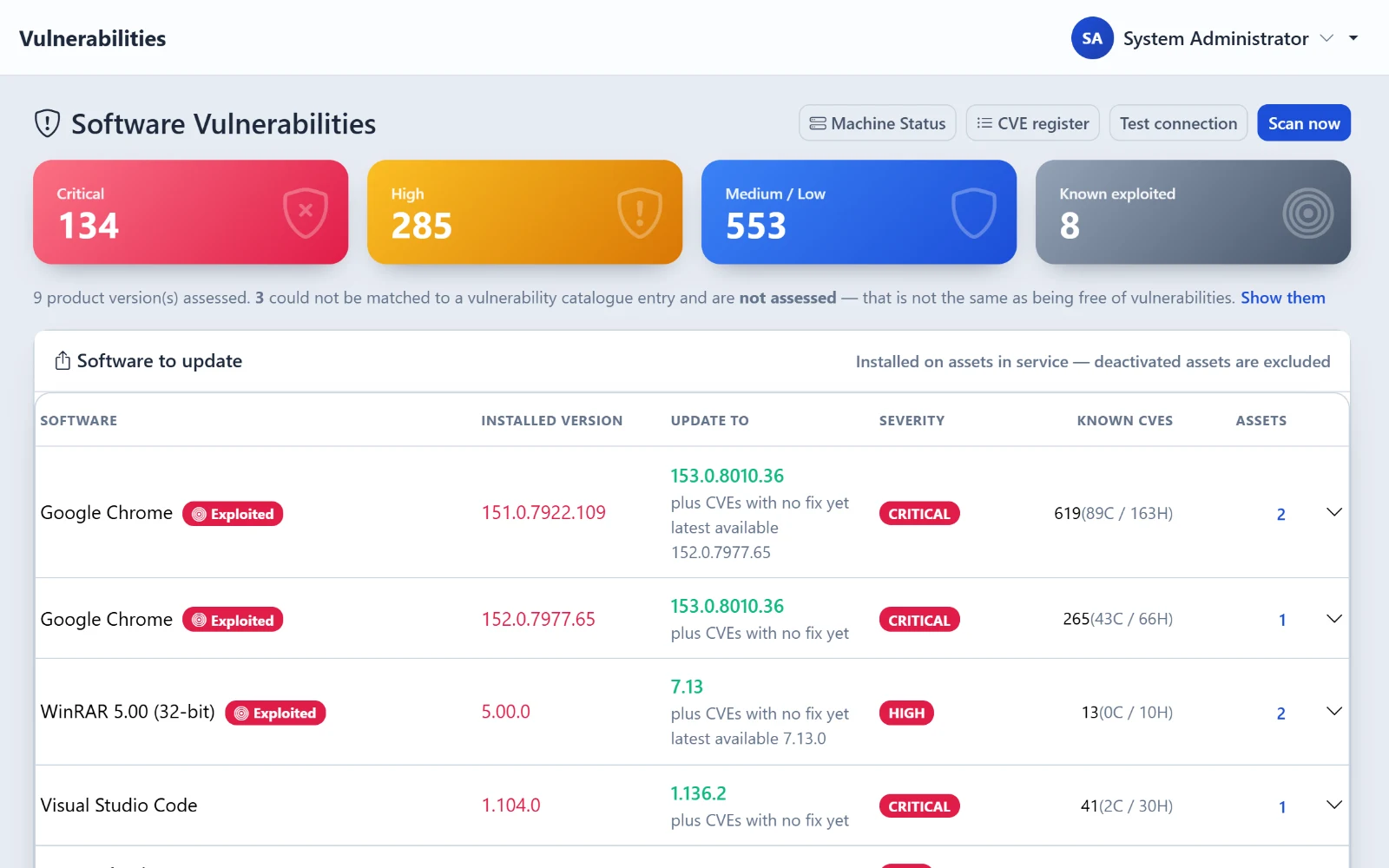
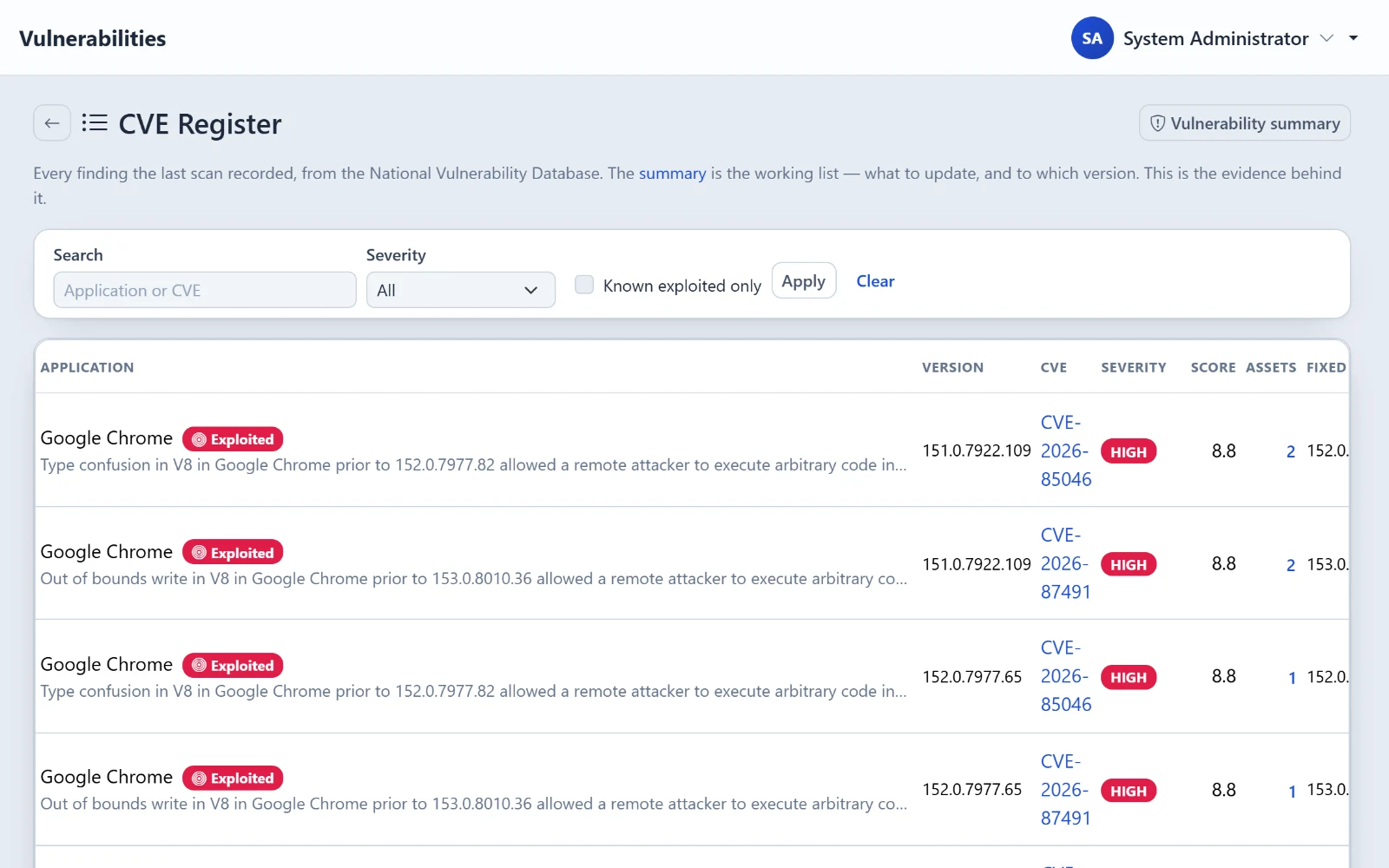
Vulnerability scanning
- Checked against the NVD catalogue
- Known-exploited issues first
- See exactly which machines
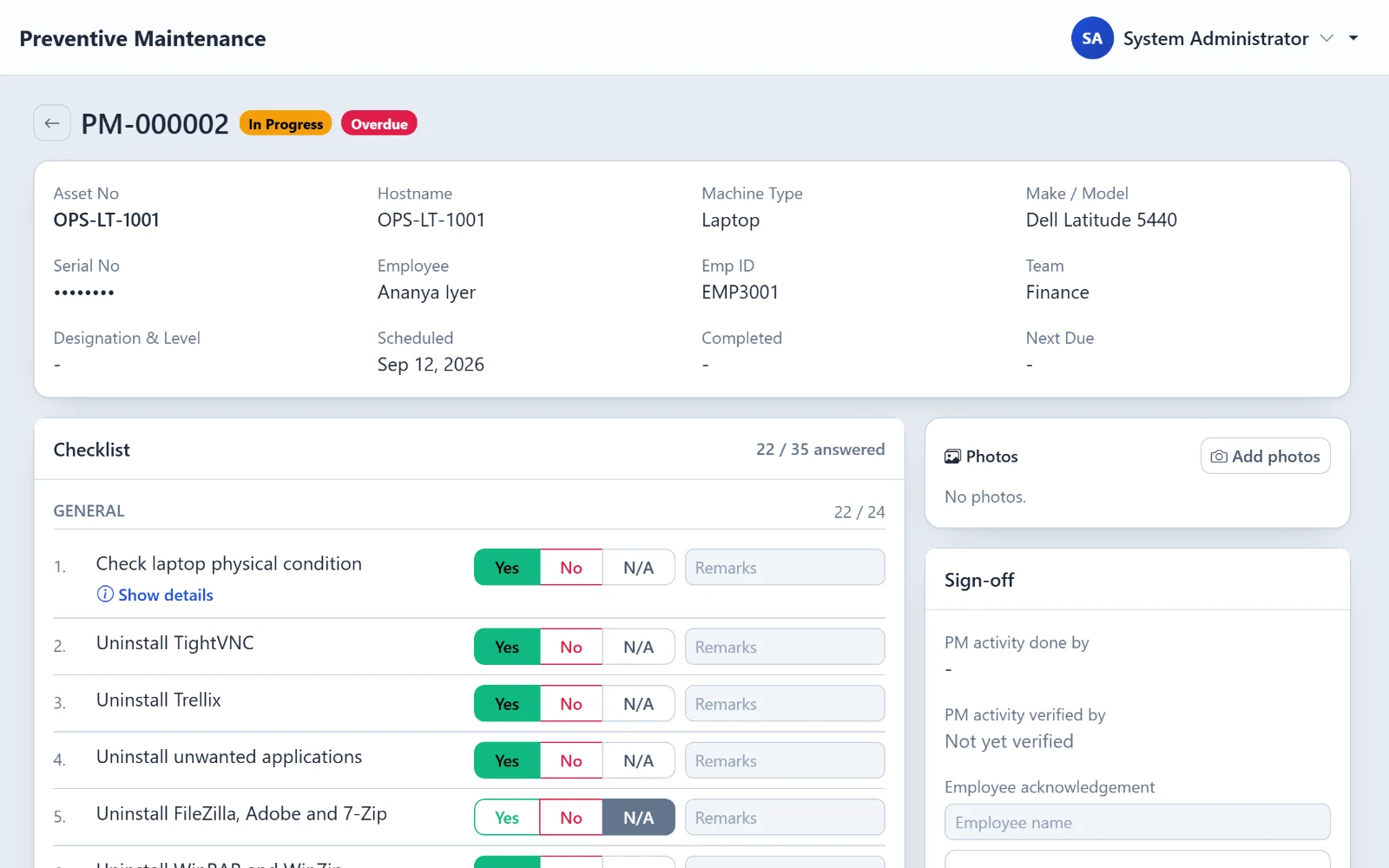
Preventive maintenance
- Scheduled rounds on real assets
- Your checklist, signed off
- Exports as your paper form
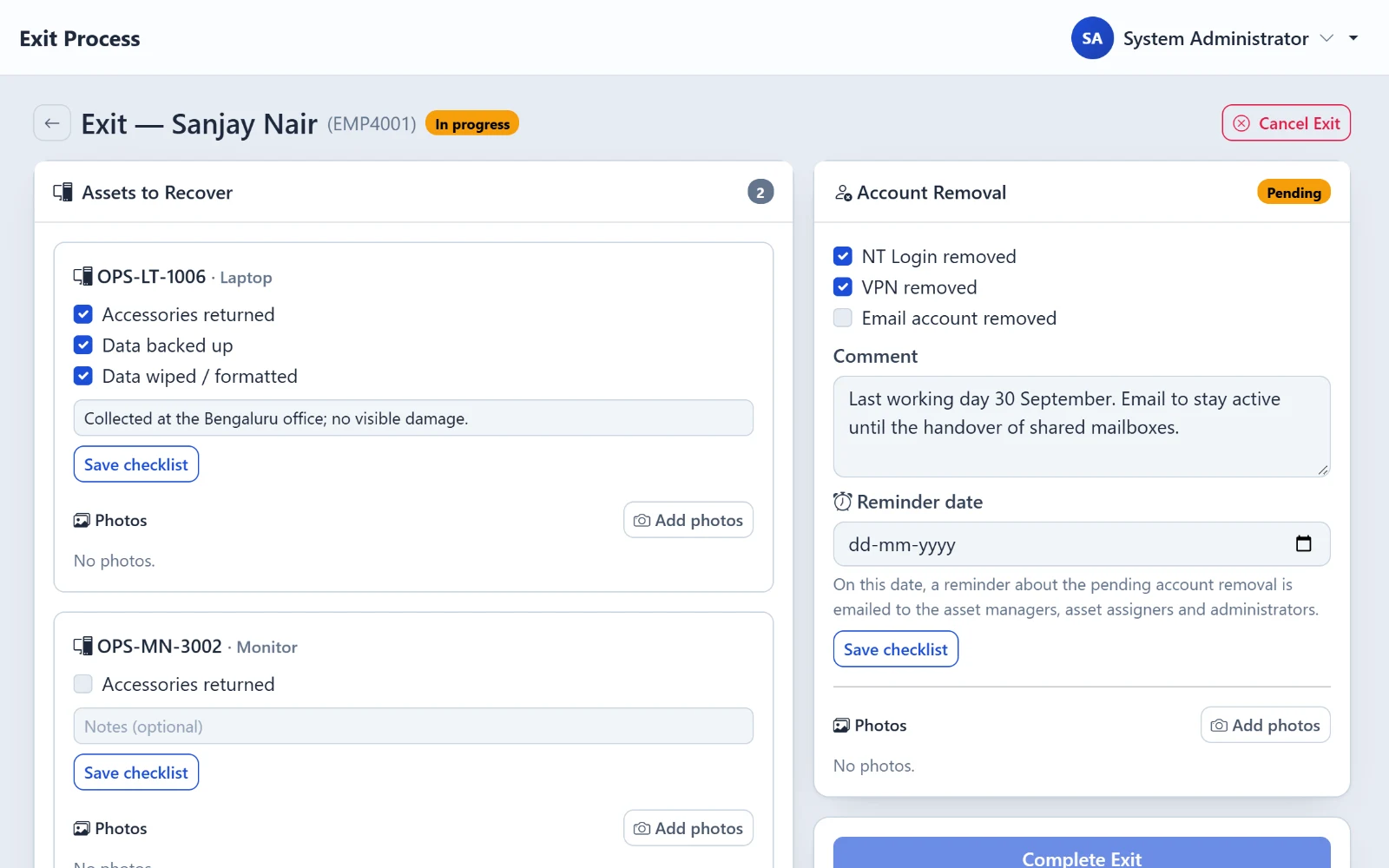
Off-boarding
- Pulls in everything they hold
- Hardware and accounts tracked apart
- All assets back to stock in one click
Getting started
Up and running in three steps.
1
Install the agent
A small app on each Windows PC.
2
Import your list
From the spreadsheet you already have.
3
Work from one screen
Assign, repair, off-board, raise tickets.

Secure & honest
Your server. Your data.
- Self-hosted — nothing leaves your network
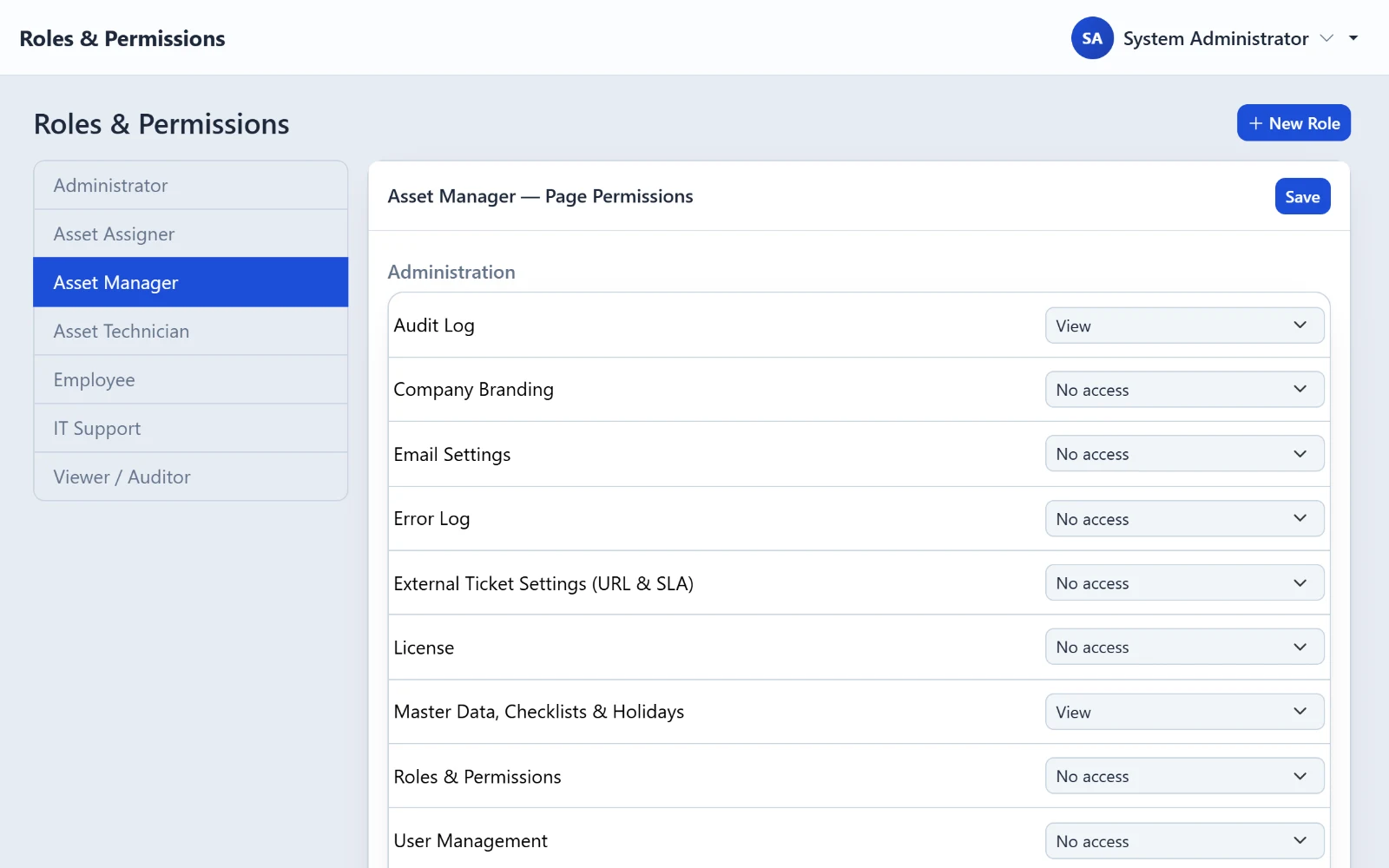
- Role-based access, enforced on the server
- Uploaded files encrypted (AES-256)
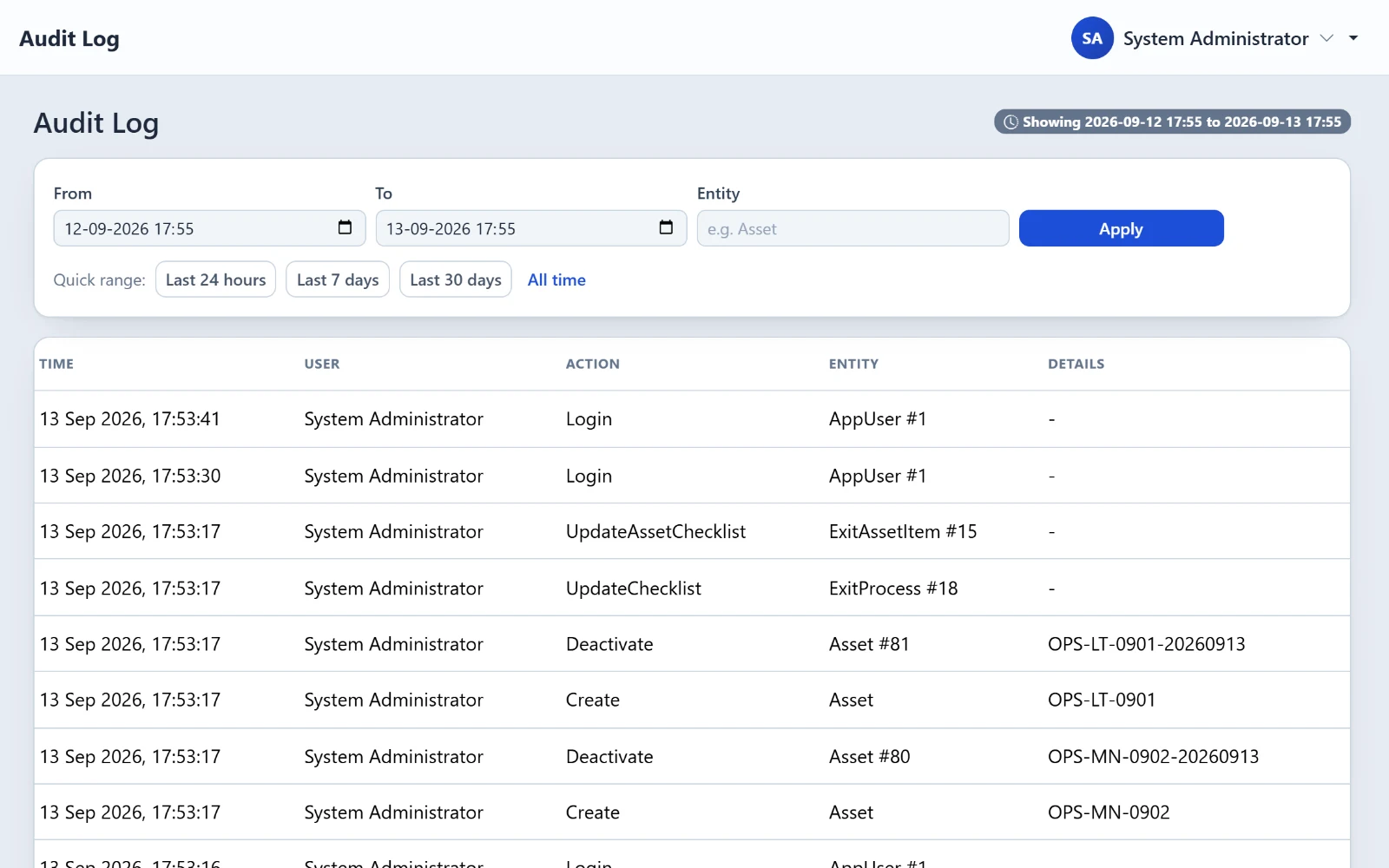
- Audit log of every change
- Says "unknown" instead of a false "OK"
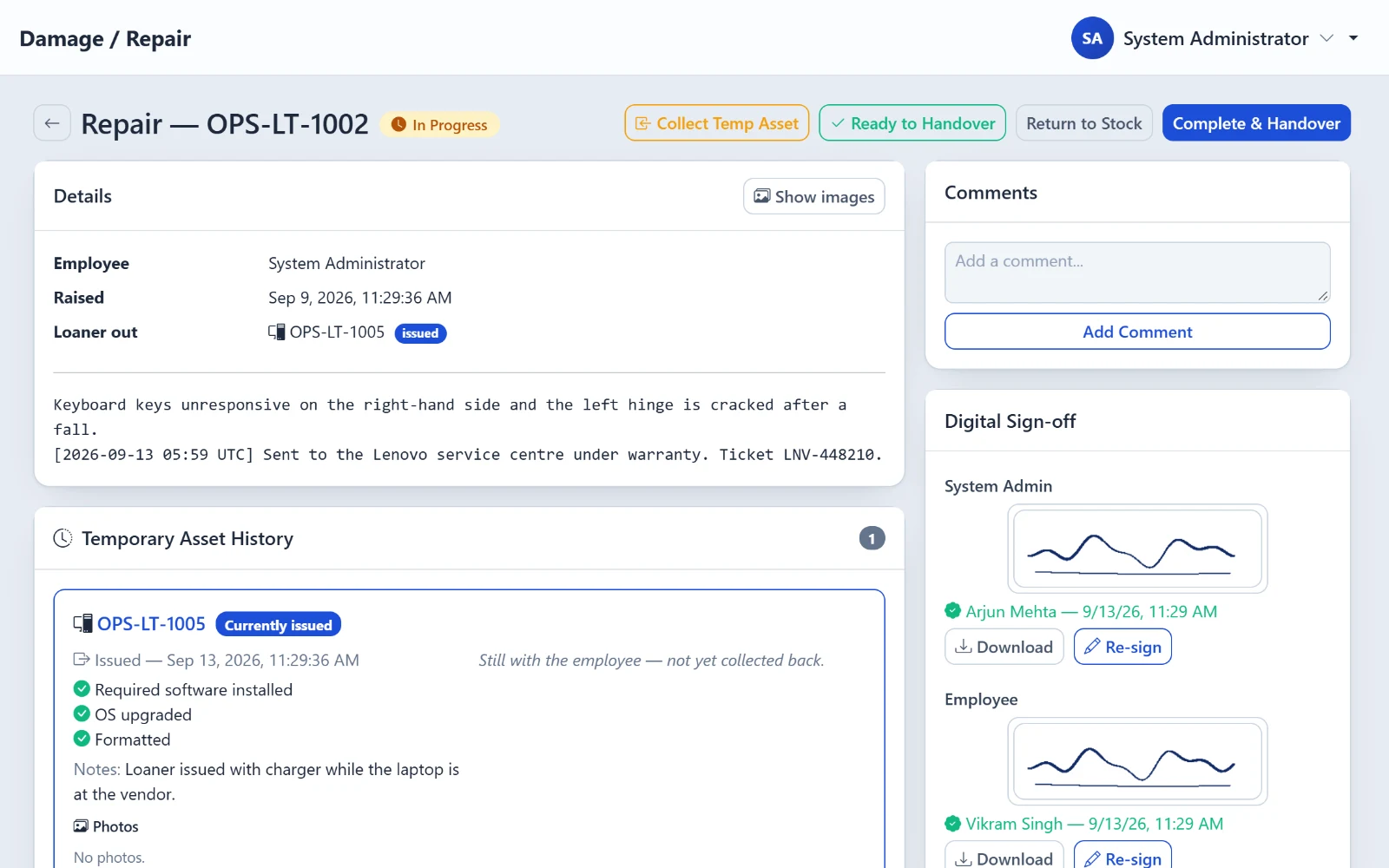
Screens
Take a look inside.
Good to know
Straight answers, up front.
Agent is Windows only
Reports patches, doesn't install them
Updates every few hours
No AD, Intune or Teams sync
No cloud edition
Prioritises risks — not a full scanner